Field · Billing
From approved hours to a numbered invoice.
Rates are set once. Hours are approved, expenses are booked, and the statement adds itself up. The invoice takes its number from the server and is frozen the moment it is issued.
Rates are set once. Hours are approved, expenses are booked, and the statement adds itself up. The invoice takes its number from the server and is frozen the moment it is issued.
Hourly rates for work, travel and waiting, a kilometre rate, VAT and currency — set once by the admin, used by every statement. Change a rate and new statements use it; issued invoices keep theirs.
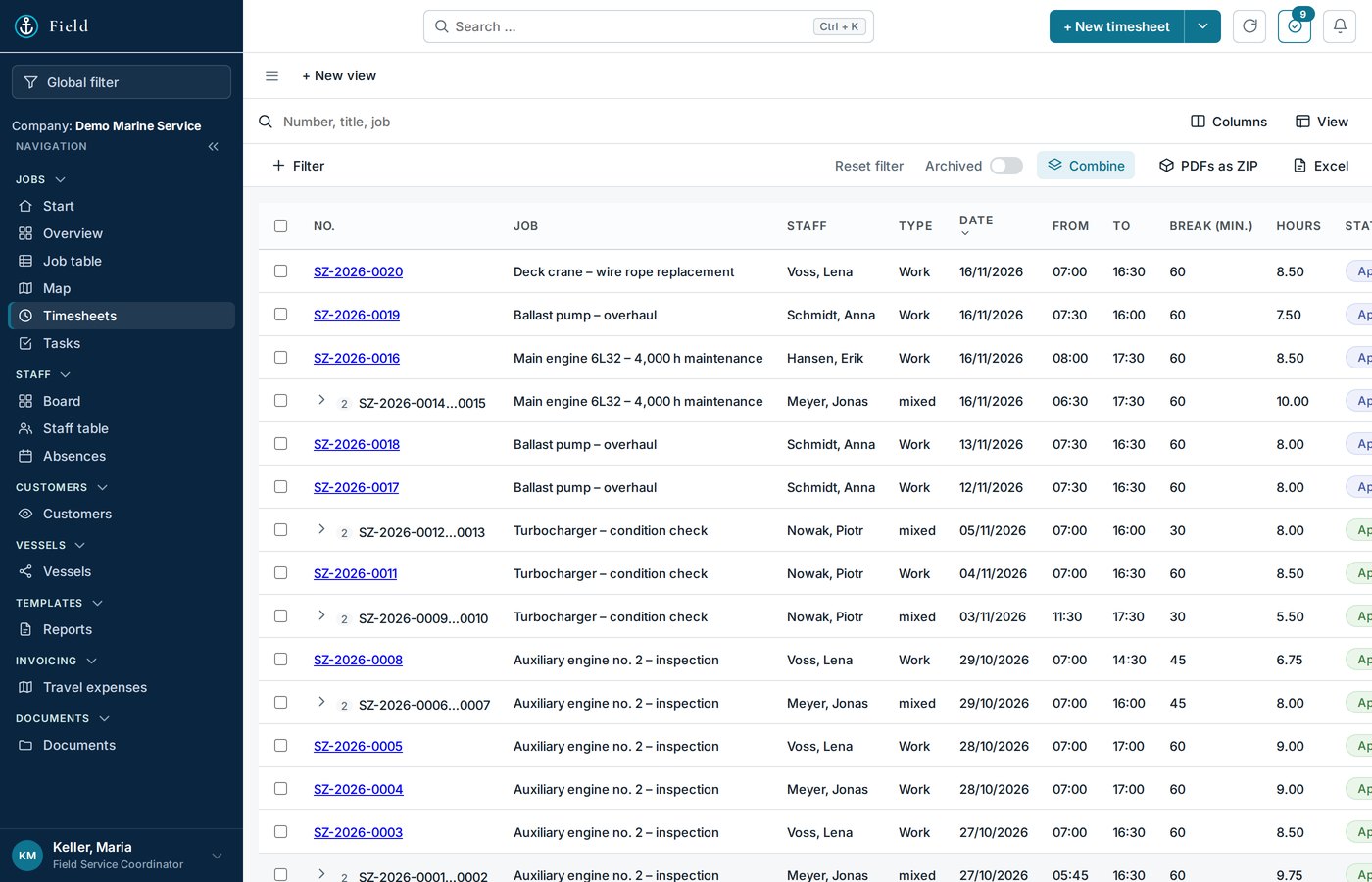
The engineer enters from–to per day; a shift across midnight is one entry, breaks are deducted. The office approves. Only approved hours reach the statement — the preview shows what is still open.
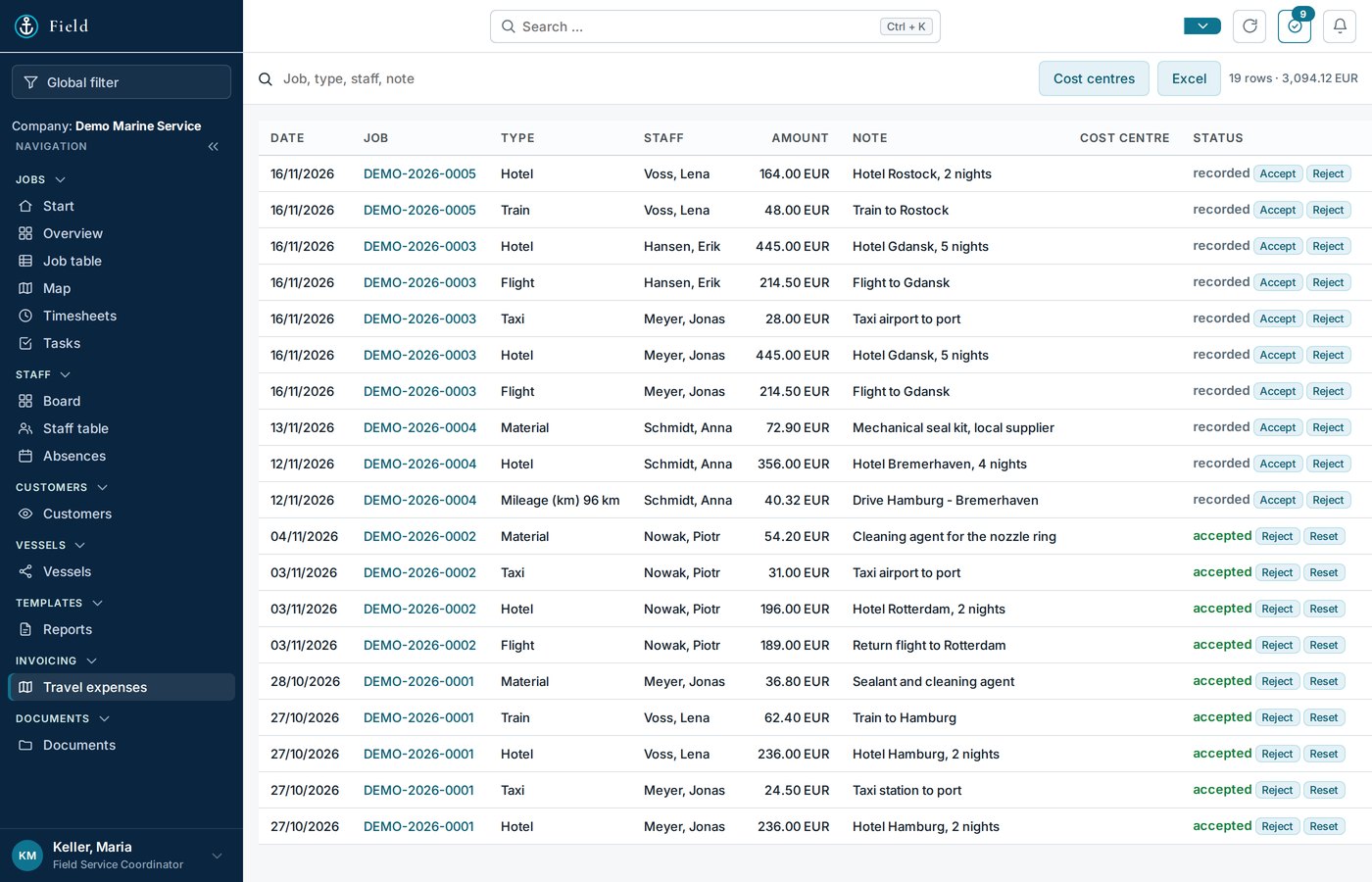
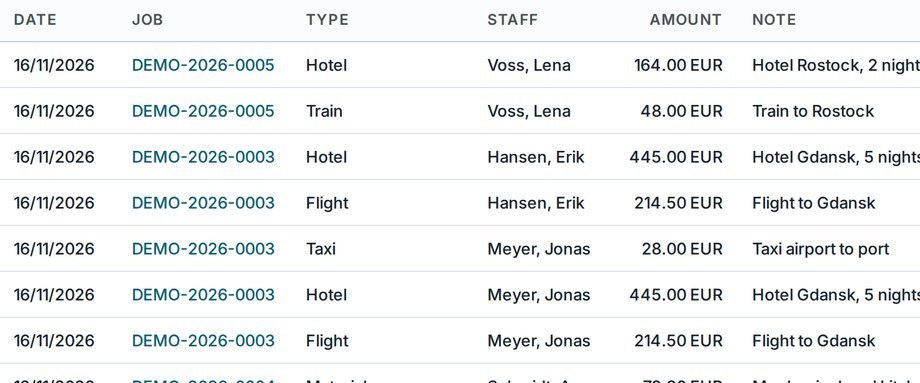
Flights and hotels booked by the office, taxis and kilometres recorded by the engineer — all on the job, each with type, date and amount. Kilometres are priced with your rate. The list is the travel part of the statement.
The statement takes the approved hours per category, multiplies by your rates, adds travel and expenses and shows net, VAT and gross. A preview includes hours not yet approved, so you see where the job is heading before the last timesheet is in.
One click turns the statement into an invoice record with the next number from your pattern. The positions are frozen; from Issued onwards nothing changes but the status — Paid, Reminder, Cancelled. The job shows its invoice in the chain line, the dashboard counts what is open.
Jobs, hours and numbers export to Excel at any time — with customer number and the customer's order number in their own columns. Booking stays in your accounting system; Field delivers the figures.
No — that is the point. You cancel it and issue a new one; both keep their numbers.
Only billing roles: Field Service Admin, Admin and Operator. Coordinators book travel but never see money pages.
Thirty minutes, your screen, one of your real orders — no sales deck.
Or write to service@oceansphere-service.com with the subject “OceanSphere Field – Demo”, or call +48 784 132 577