OceanSphereFIELD
Field · Control

Who sees what — and what stays yours.

Roles named like your whiteboard, pages set per role and per person, every company in its own compartment, a history of every change and a daily backup. And a way out with your data at any time.
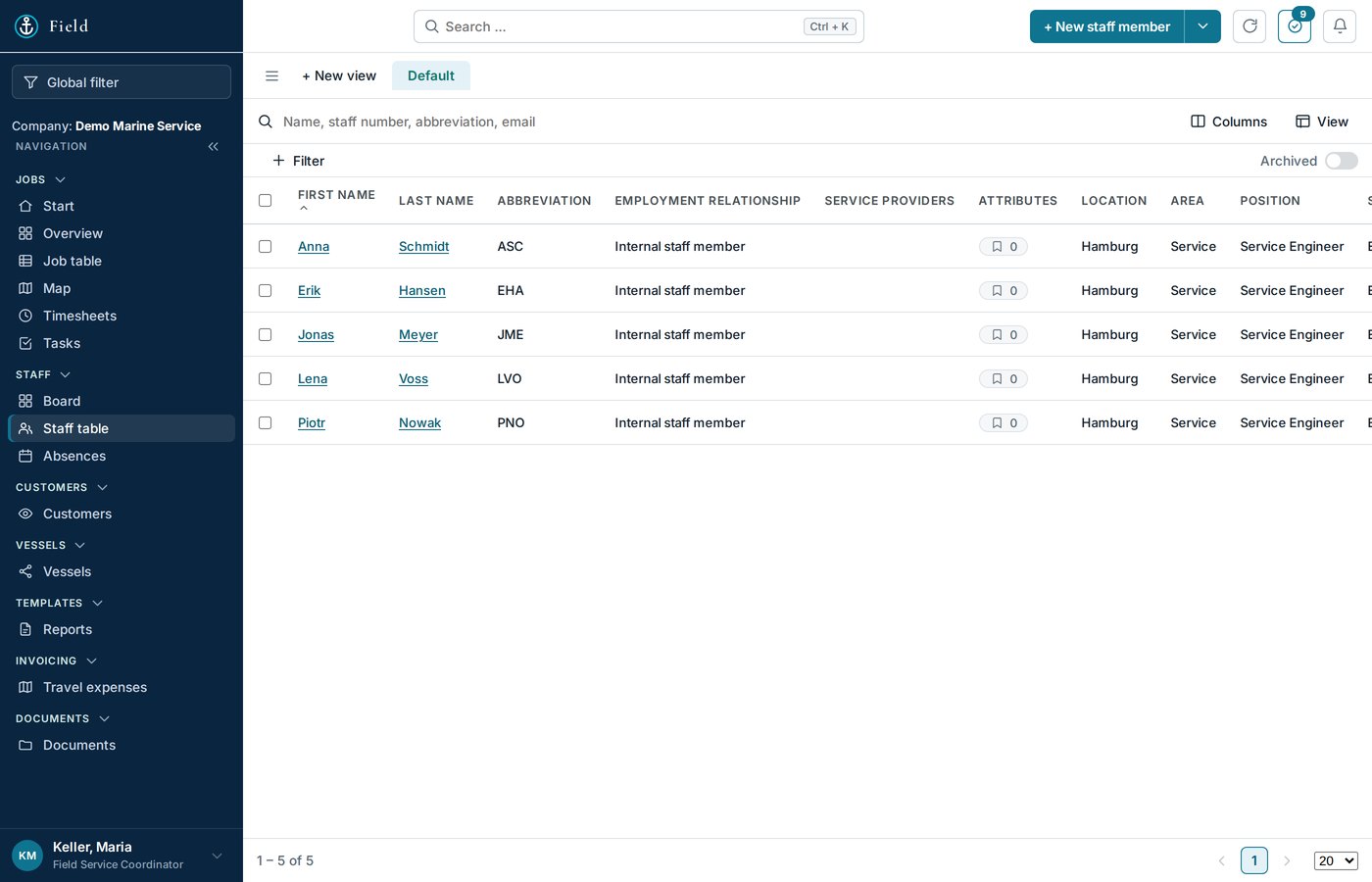
Roles
Demo company, sample data.
Roles

Roles as your company needs them.

Typical roles: Operator, Admin, Field Service Coordinator, Field Service Admin, Field Service Engineer. Money pages exist only for billing roles; the engineer's sign-in leads straight to the phone view. Invite a colleague, pick the role, done.

  • No custom matrix to maintain
  • Money only for billing roles
  • Engineer lands on the phone view
Pages per role and per person

Show each person what they need. Nothing else.

The operator decides per role which pages exist. The admin narrows it per person. Each user can hide more for themselves — but never bring back what was taken away above. Fewer pages, fewer questions.

  • Per role by the operator
  • Per person by the admin
  • Users can hide, not add
Companies apart

Each company in its own compartment.

Every record carries its company. The server hands out only what belongs to the signed-in company and keeps everything else safe, even when a client saves. Shared is only what is meant to be shared — the list of equipment types.

  • Company on every record
  • Filtered on the server, not in the browser
  • Nothing of a neighbour, ever
History and backup

Every state for seven days. One per day after that.

Field keeps a history of the record set: every version for a week, one per day for four months. A backup runs every night. When two people edit at once, both changes are merged instead of one being lost.

  • History of every change
  • Nightly backup
  • Two editors, nothing lost
Bring your lists

Bring your lists.

Customers, vessels, equipment and staff come in from your existing Excel or ERP export. We run the first import together, and you start with a full register instead of an empty screen. Export works the other way at any time.

  • Excel or ERP export
  • First import together
  • Export at any time
Sign-in

Two factors, one door.

Sign-in with password and an authenticator code. First sign-in forces a new password; repeated wrong attempts lock the account for a while, not the whole office. Everything travels encrypted.

  • Authenticator second factor
  • Lock per account, not per office
  • Encrypted transport

Frequently asked questions

Where is the data hosted?

On our own hardware in Germany. No advertising, no resale; a data processing agreement is part of the contract.

Can we leave?

Yes. Export to Excel at any time; after the contract ends you have 30 days to take your data, then it is deleted.

See Field on your own jobs.

Thirty minutes, your screen, one of your real orders — no sales deck.

Or write to service@oceansphere-service.com with the subject “OceanSphere Field – Demo”, or call +48 784 132 577