On board there is often no signal and never a desk. The phone view carries the job, the checklist, the measurement sheet and the receipts — and sends everything when the ship has a connection again.
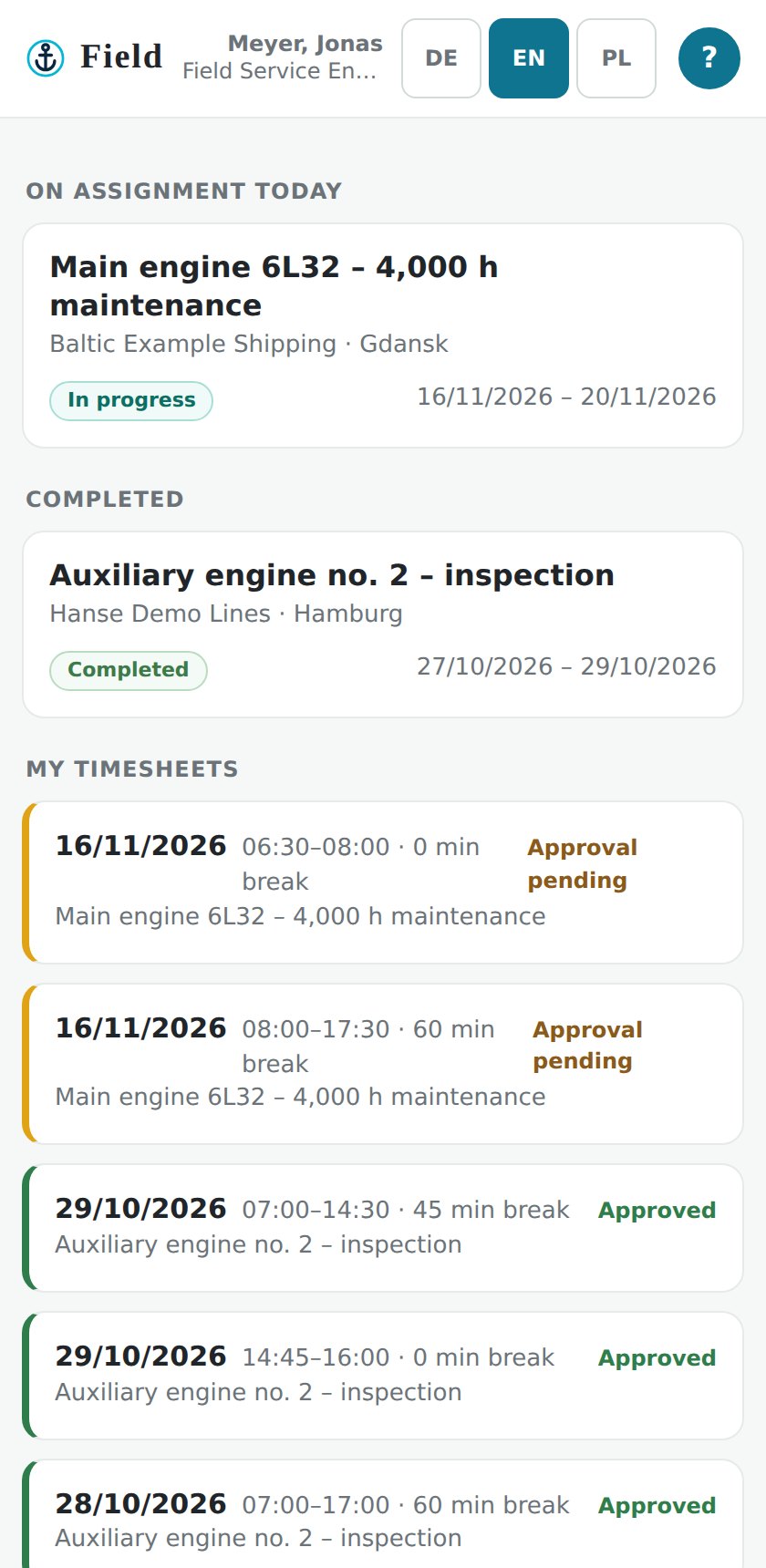
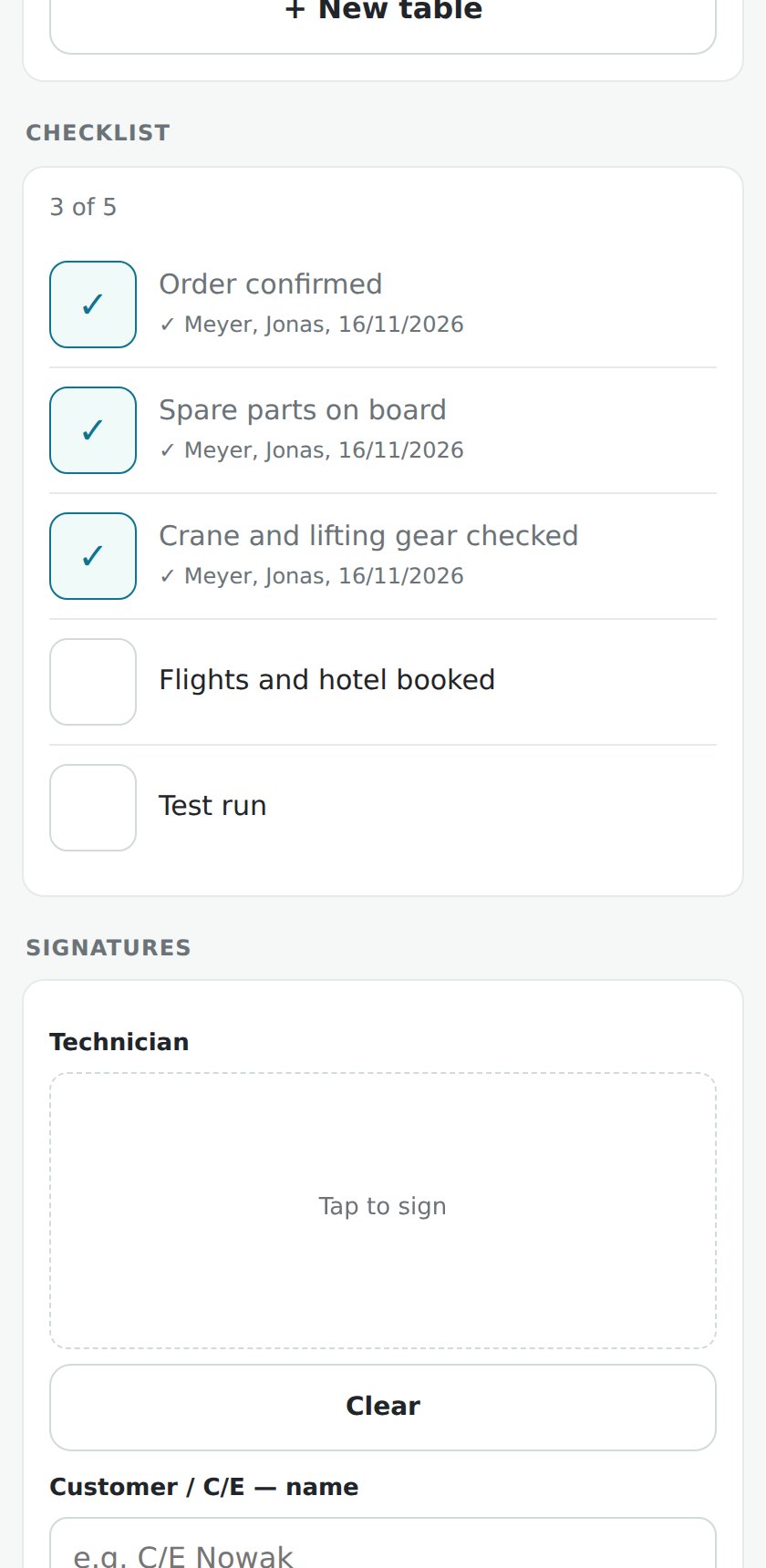
The engineer signs in and lands on their jobs — no menus from the office view. Entries are kept on the phone and sent as soon as there is a connection; nothing is lost in a tunnel or an engine room. German, English and Polish, switched by the user.
A job carries its checklist from a template library. Every tick records the person and the time, so the office sees progress during the day and the report shows who did what.
Measurement tables come from the equipment type — the right rows, the right limits. A photo of the paper sheet can be read in the office workbench: Field proposes the values, a person checks and confirms. Nothing is written into the record by itself.
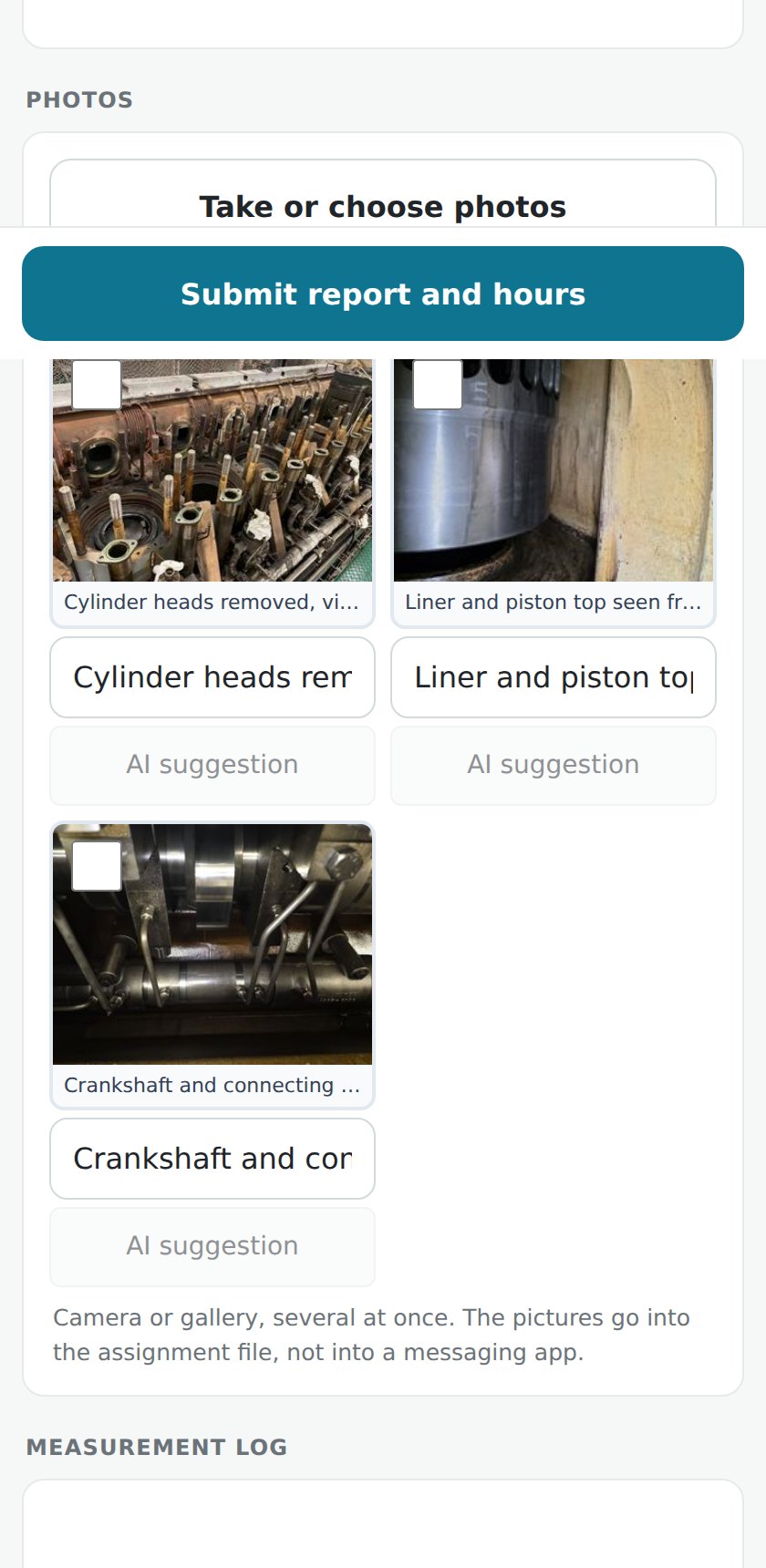
Photos go from the camera into the job's folders — before, during, after; receipts into Receipts. The same file holds what the office adds later. When the report is written, the pictures are already where they belong.
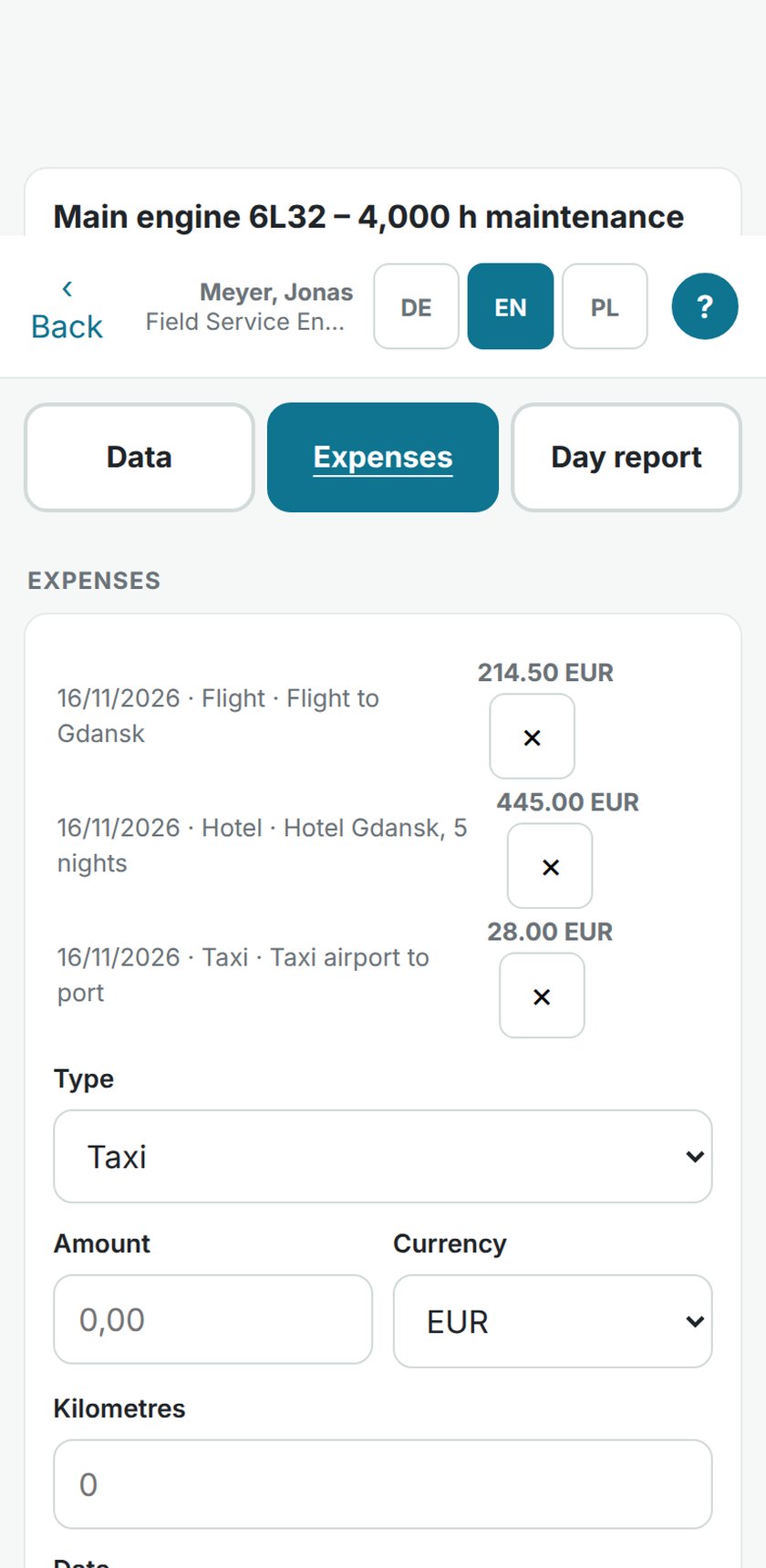
The engineer records type, amount, date and a note on the spot and photographs the receipt into the file. The amount is on the job's statement before the flight home; nobody collects paper on Friday.
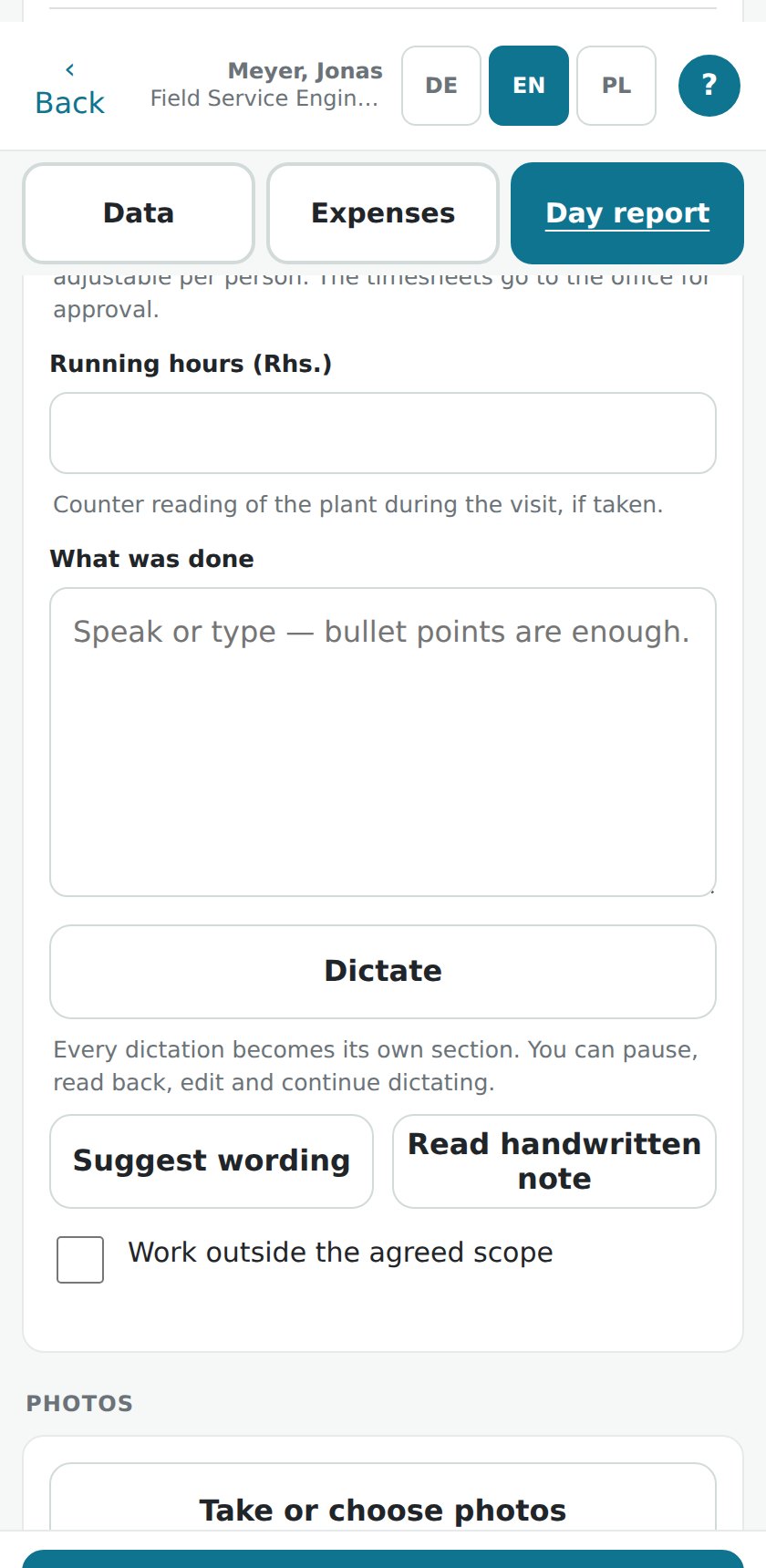
Hours, notes and photos of the day go out from the phone as a report to the office. The completion report and the measurement protocol are produced from the same job as PDF — with your company's logo.
Entries are stored on the device until they are sent. When the phone is back and online, the queue goes out.
No, and it doesn't have to be: it proposes, a person confirms every value. Wrong proposals are corrected before anything is saved.
Thirty minutes, your screen, one of your real orders — no sales deck.
Or write to service@oceansphere-service.com with the subject “OceanSphere Field – Demo”, or call +48 784 132 577