Field · Plan
Who is where next week — on one board.
The coordinator sees technicians, jobs, leave and travel in one view and moves an assignment with the mouse. Customers, vessels and equipment are entered once and used on every job.
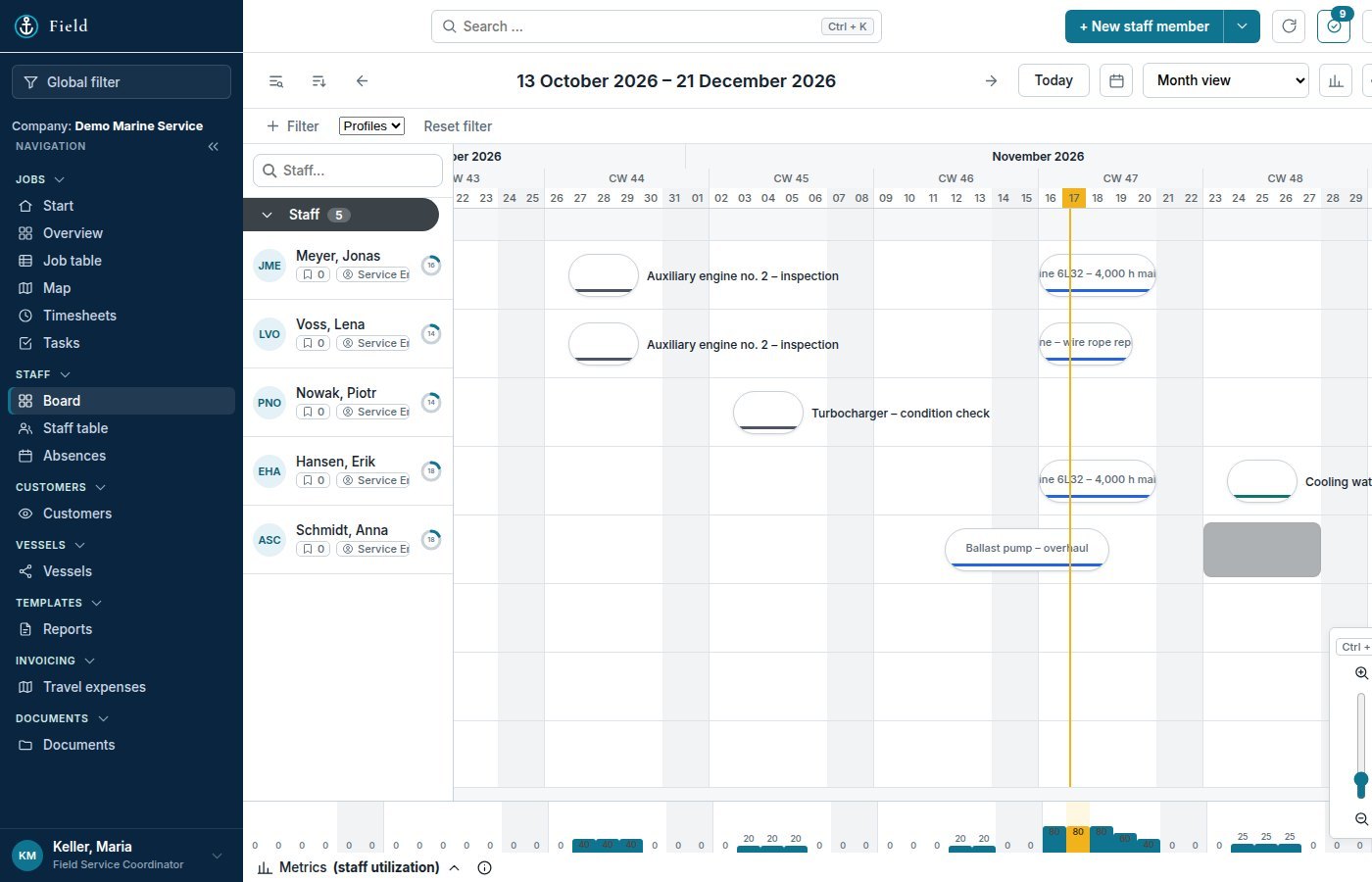
The coordinator sees technicians, jobs, leave and travel in one view and moves an assignment with the mouse. Customers, vessels and equipment are entered once and used on every job.
Rows are people, bars are jobs. Drag a bar to move an assignment; colours follow the job status. Leave and other absences appear as bars of their own, so nobody is planned onto a ship while on holiday.
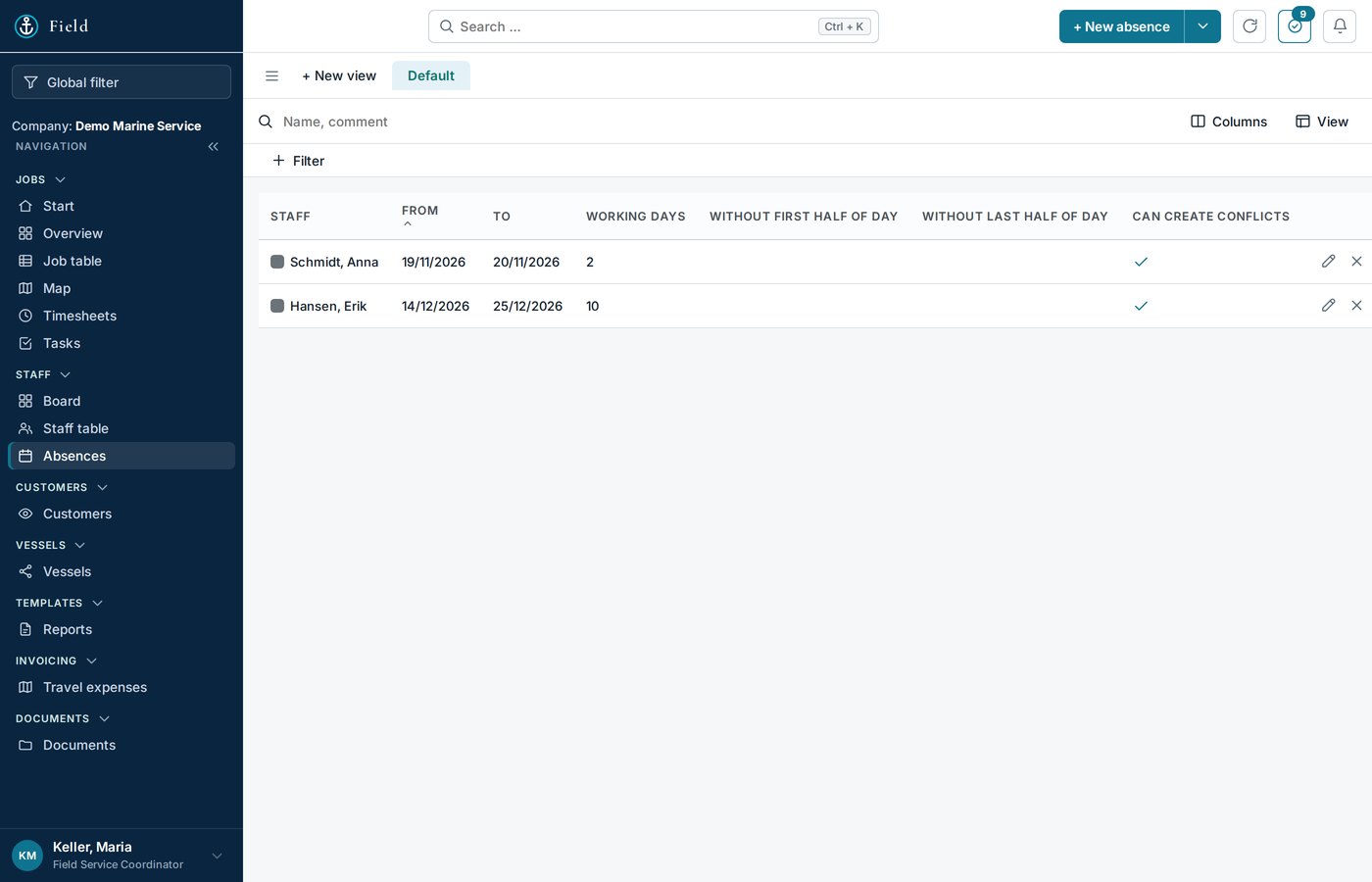
An absence is recorded per person with type, dates and a note. From that moment the board shows it, and the coordinator plans around it instead of finding out on Monday.
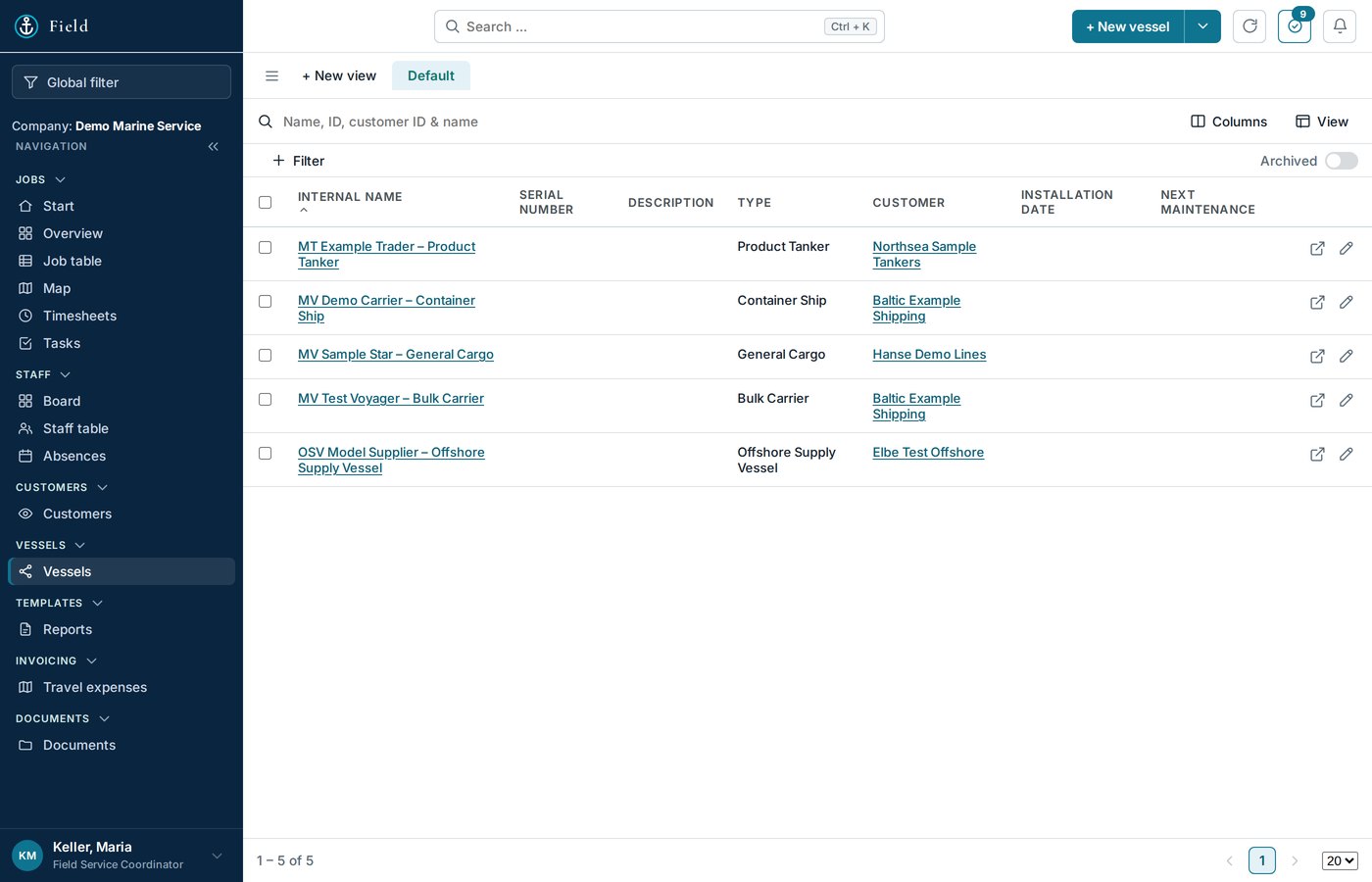
Customers with their contacts, vessels, and every piece of equipment on each vessel with maker, type and serial number. Manuals and certificates hang on the equipment, not in someone's mailbox. A new job picks from the register instead of retyping.
Each company sets its own pattern — prefix, year, counter. The server issues the next number and refuses a duplicate, even when two people create jobs at the same moment. The customer's order number and your quote number sit on the job from day one.
Example numbers from the demo company; every company sets its own pattern.
Yes. Changes are saved every few seconds; when two people touch the same record, the server merges both instead of overwriting one.
Only if you want. The operator decides per role and per person which pages exist; an engineer normally works in the phone view.
Thirty minutes, your screen, one of your real orders — no sales deck.
Or write to service@oceansphere-service.com with the subject “OceanSphere Field – Demo”, or call +48 784 132 577