Field service planning
From the order to the invoice. One chain.
Field plans your technicians, carries the job through the ship visit and keeps hours, expenses, report and invoice on one record — instead of five spreadsheets.
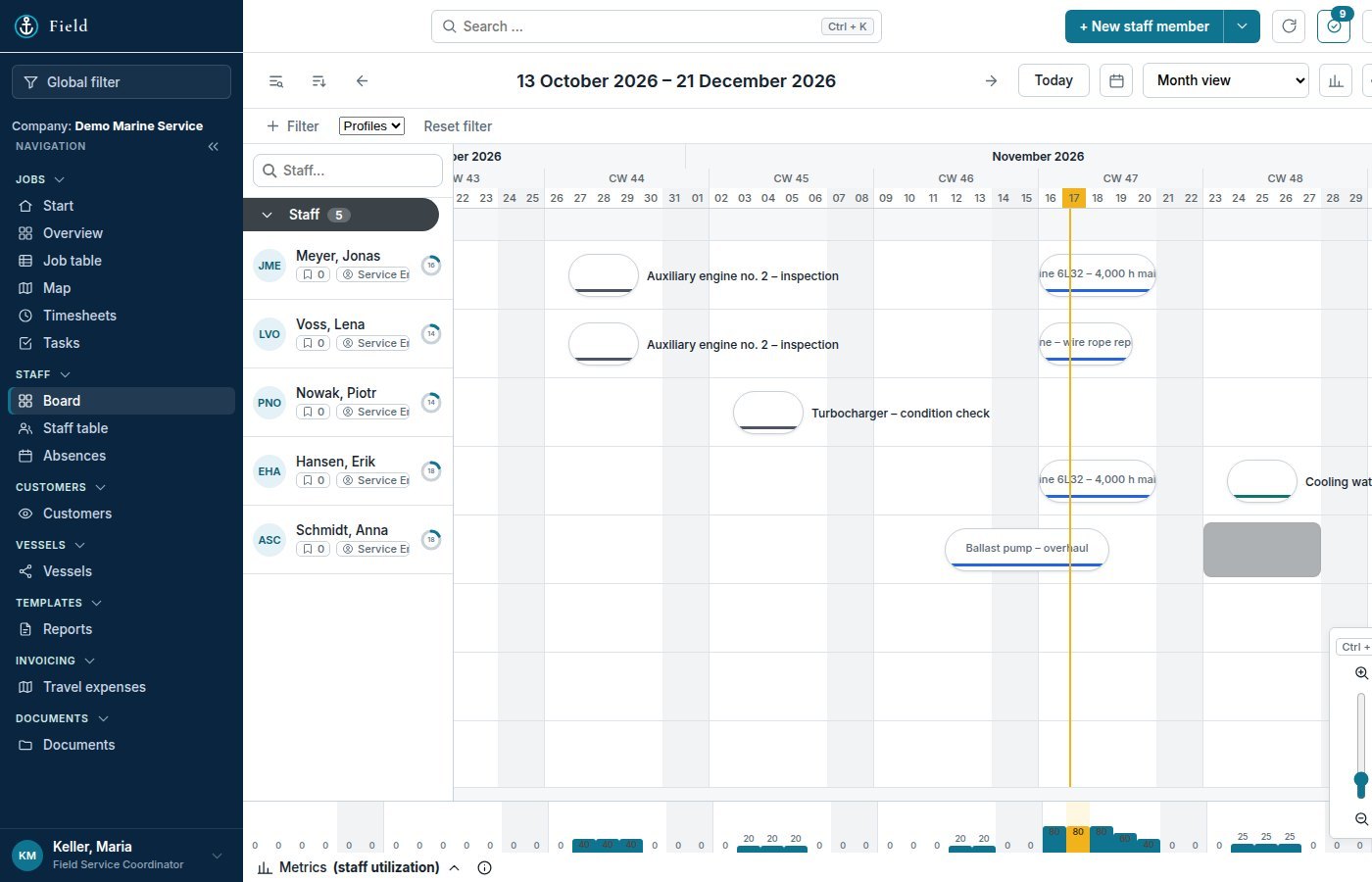
Field plans your technicians, carries the job through the ship visit and keeps hours, expenses, report and invoice on one record — instead of five spreadsheets.
Anyone who plans service technicians knows the routine: the assignment list in one spreadsheet, timesheets in a second, travel expenses in a third, the report in Word, the invoice in the accounting system — and in between, an order number somebody types five times. Field keeps the job together. One number, one place, one current state.
Typical roles – you decide who sees what.
Plans assignments on the board, sees who is available, on leave or travelling, and books the trip.
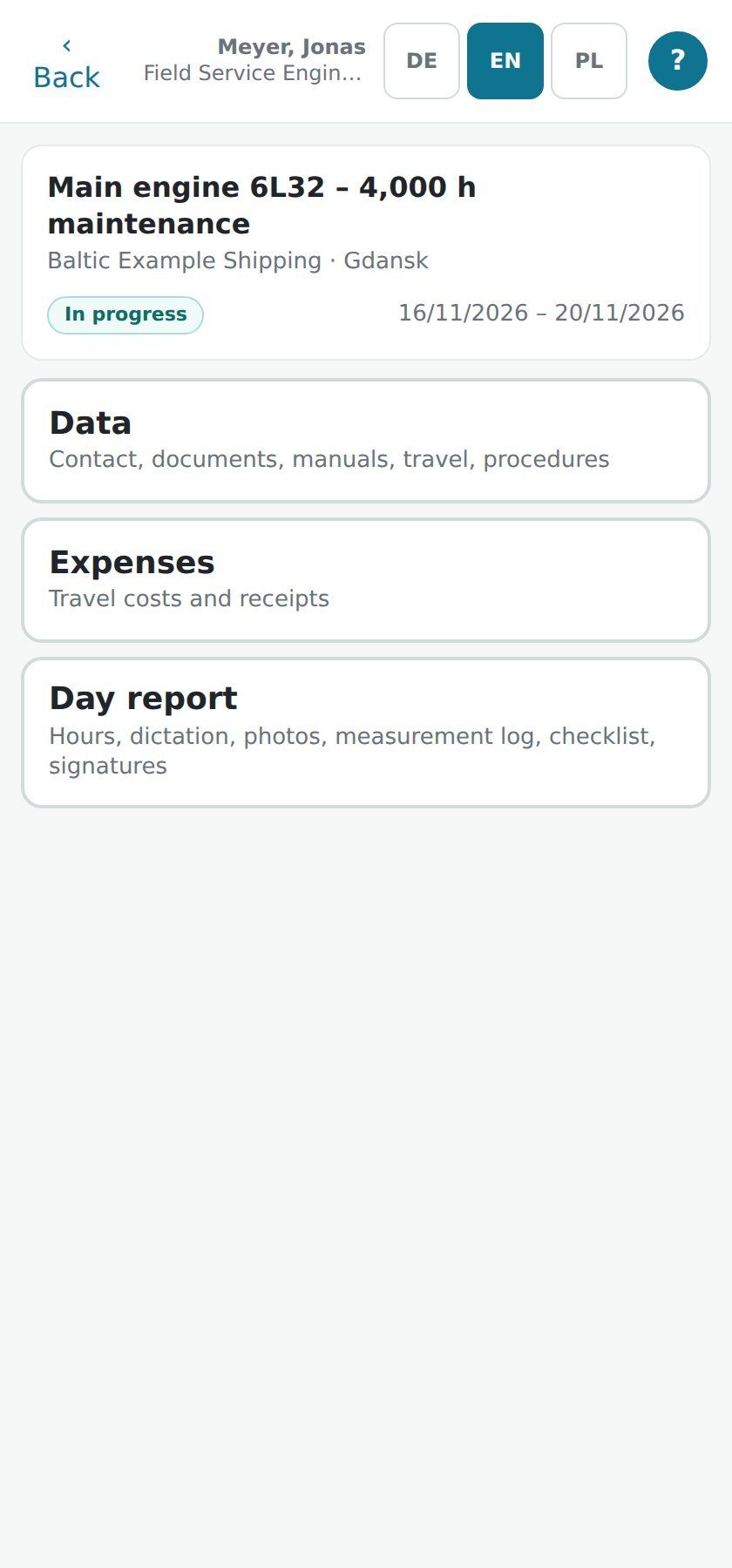
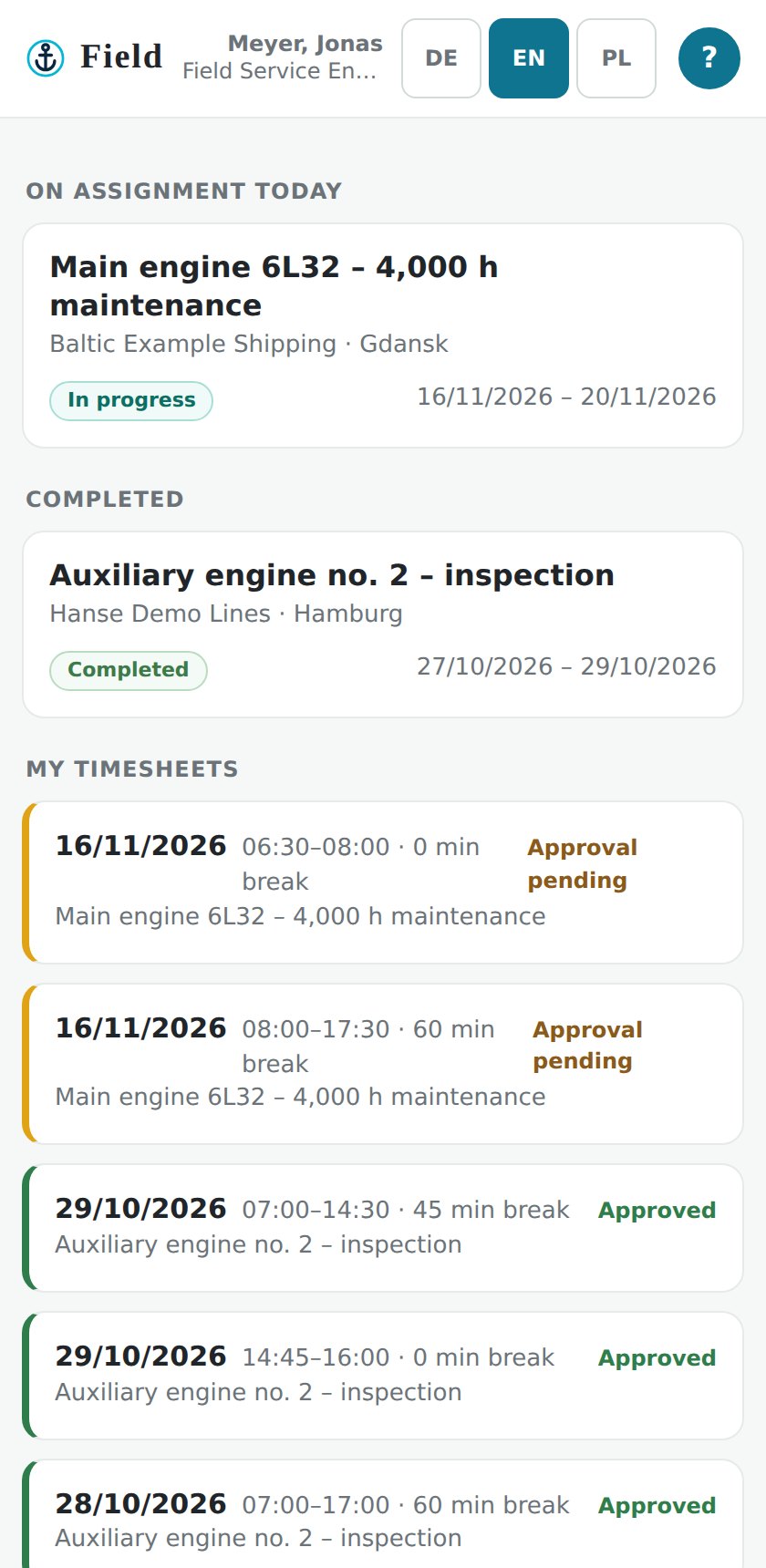
Works on the phone: checklist, measurement sheet, photos, hours, expenses. Offline on board, sends when the ship has signal.
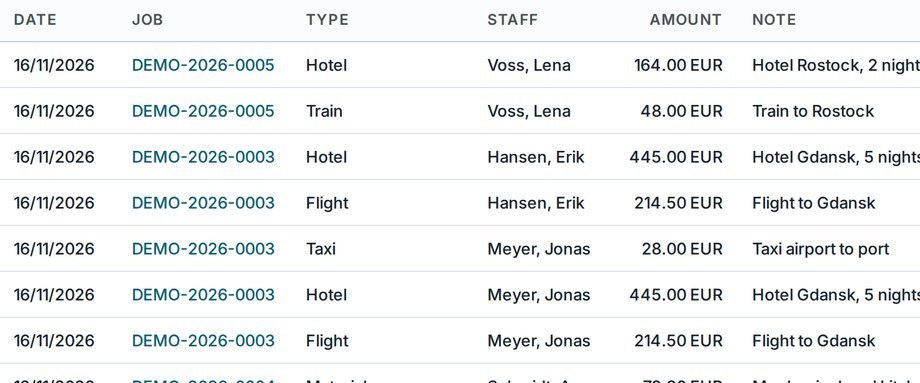
Rates, travel expenses, job statement, invoice. Approves the hours, exports to Excel.
Sets up the company: rates, invitations, and which pages each person sees.
Decides which pages each role sees — down to the single person.
Roles, pages per person, companies apart, history, sign-in.
Customer, order number, quote number — entered once.
Technicians, dates, port. The ship's position on the same screen.
Checklist, measurement sheet, photos, signature.
Timesheets per day, approved by the office.
Taxi, hotel, kilometres — with the receipt as a photo.
Hours × rates + expenses, calculated by the system.
Numbered by the server, frozen when issued.
One line on the job shows the whole chain — order, quote, approved hours, invoice, status.
The engineer ticks the checklist, fills in the measurement sheet, records an expense with its receipt and has the report signed on the spot. Everything waits on the phone until there is a connection.
Completion report, service report, measurement protocol, timesheet, packing list — as PDF, with your company's logo, not ours. Layouts follow the equipment type, so a measurement protocol looks the way the surveyor expects it.
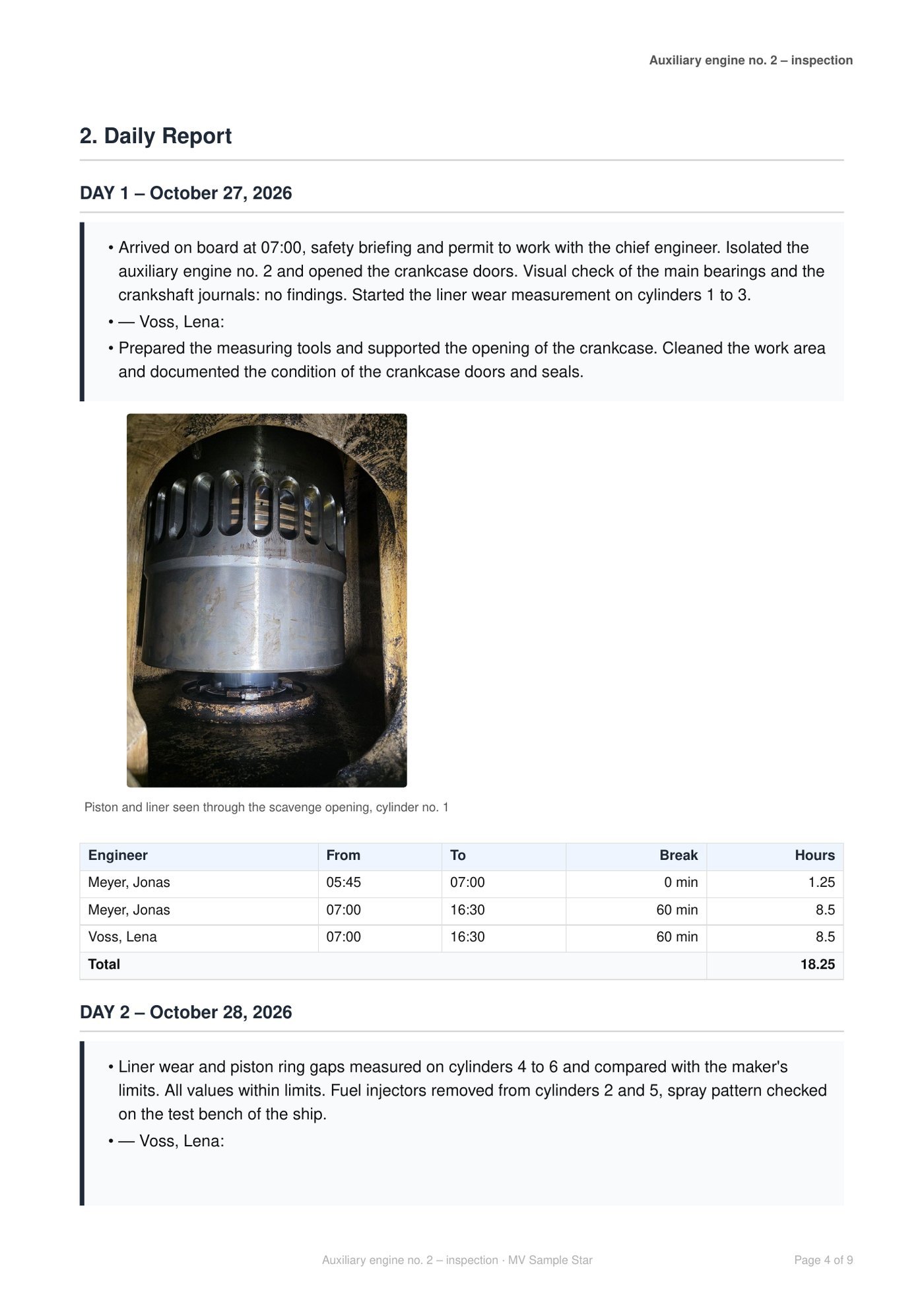
Sample report with demo data. Click to open it larger.
Each company in its own compartment — nobody sees a neighbour's jobs.
Daily backup, export to Excel at any time, two-factor login.
Hosted in Germany. No advertising, no resale.
Field runs in production with a marine service company in northern Germany. We are taking on three more pilot companies: fixed pilot price, we migrate your lists with you, and you have a direct line to the people who build it.
Yes. The engineer's view is built for the phone, works offline and sends when there is a connection. Coordinators and admins use the browser.
Yes. Customers, equipment, staff and open jobs come in from Excel; we do the first import together.
The operator decides per role and per person which pages exist. Money — rates, statements, invoices — is visible to admin roles only.
No. Field produces the numbered invoice with its statement; booking stays in your accounting system.
A company, its admin account and the first invitations take one appointment. The first real job usually runs in the same week.
Thirty minutes, your screen, one of your real orders — no sales deck.
Or write to service@oceansphere-service.com with the subject “OceanSphere Field – Demo”, or call +48 784 132 577